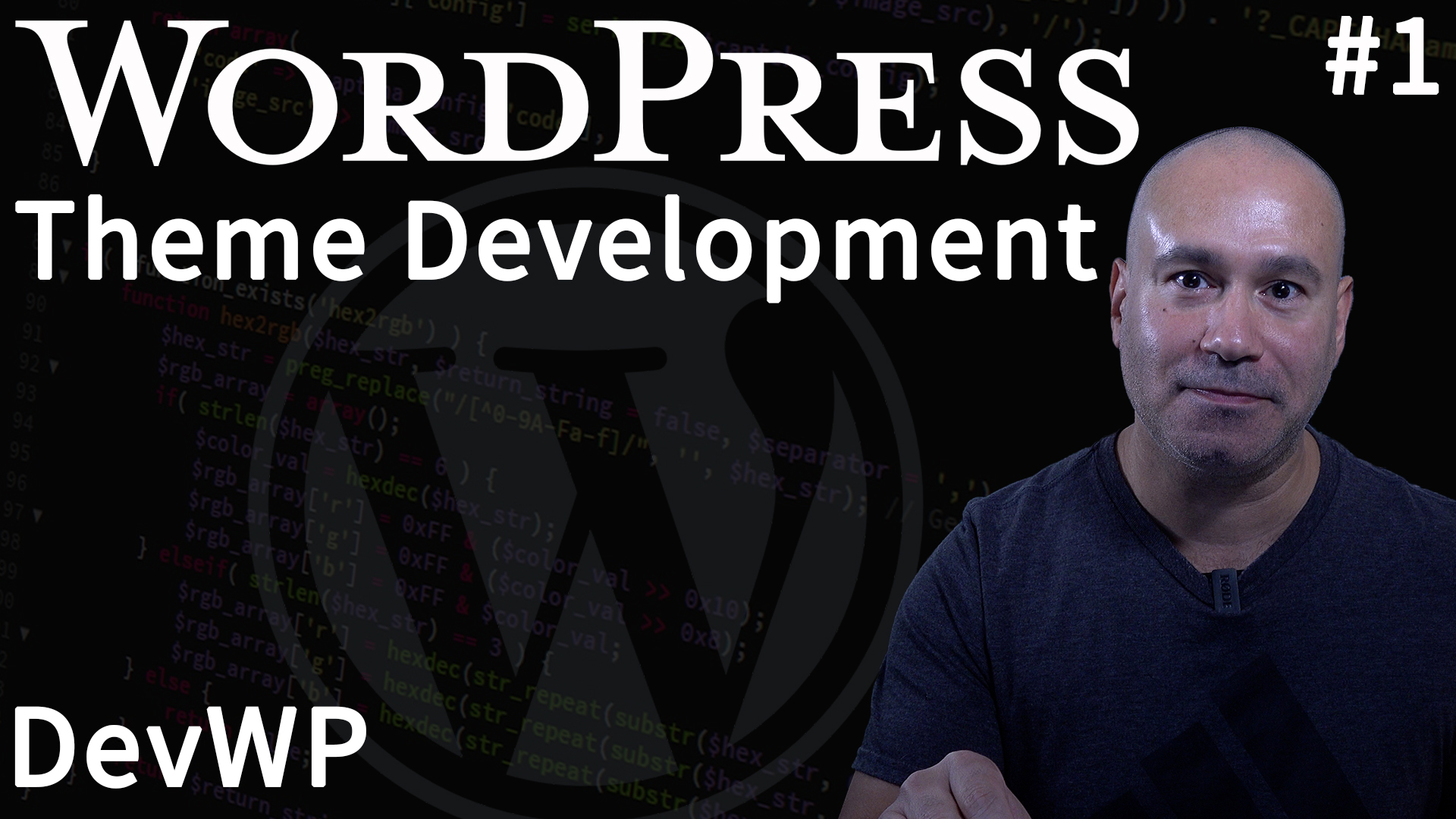
Is developing a WordPress theme worth it? Do people still use WordPress? Do websites still need a WordPress theme other than the default theme? Yes — to all three.
Why WordPress Theme Development Still Matters
Over 43% of all websites run WordPress, and among sites using a CMS, over 60% choose WordPress. The nearest competitor is still in the low single digits. That market share makes it a compelling platform to build a theme business around.
I’ve been coding for over a decade, and for nearly a decade I’ve been specifically coding WordPress themes and plugins. I’ve also been creating YouTube videos demonstrating how to use WordPress and how to code custom WordPress themes.
Now’s the time for an update to DevWP which is a developer focused theme where I teach people how to code their own WordPress theme using some of the best tools and resources.
My 2023 video covered the basics, but the workflow has evolved enough that it needed a full update.
DevWP is a documented workflow as much as it is a theme. It combines Underscores and Bootstrap with a full build pipeline, static analysis, automated testing, and WordPress coding standards enforcement. The video series walks through each piece so you can adopt the same process for your own projects.
Check out the new intro video:
What the Video Series Covers
Each video focuses on one step in the workflow — from local environment setup through deployment. Here’s what we walk through:
- Local development with XAMPP or MAMP
- Composer for PHP dependency management
- Node.js and build automation with npm scripts
- Version control with Git
- Static analysis with PHPStan, Psalm, and PHP Insights
- Testing and debugging with PHPUnit and Xdebug
- WordPress coding standards with PHPCS
- Managing WordPress from the command line with WP-CLI
- Code editor setup with VS Code
Static Analysis & Dynamic Analysis Tools
Custom WordPress themes mix framework code with hundreds of lines of your own PHP, JavaScript, and CSS. Static analyzers catch the bugs that manual review misses — before they reach production.
On the analysis side, I use PHPStan, Psalm, PHPMD, Phan, and PHP Insights to catch bugs before they ship, plus PHPUnit and Xdebug for testing and debugging. On the tooling side: Composer for PHP dependencies, Node.js for build automation, Git for version control, WP-CLI for WordPress management, and VS Code as the editor.
What type of WordPress theme is DevWP?
DevWP is a hybrid WordPress theme — it works with both the Classic Editor and the Block Editor. Most WordPress sites still use the Classic Editor, but Block adoption is growing steadily. A hybrid theme covers both without forcing a choice, which makes it the most practical option for the widest range of sites.
Do People Still Buy WordPress Themes?
A lot of people have wondered whether WordPress theme sales would completely zero out after the debut of the Gutenberg Editor. The short answer: not any time soon.
The Classic Editor plugin alone has millions of active installs, and most themes on WordPress.org and ThemeForest still target it. Both editors will coexist for years — which means both types of themes will sell.
What makes DevWP worth the investment in time?
The fastest way to learn is to follow someone who’s already done it. I’ve spent years refining this workflow — DevWP packages that experience into step-by-step videos and documented code so you don’t have to figure it all out from scratch.
The new series covers each step in short, focused videos. I also have an older long-form walkthrough — the workflow has evolved since then, but the core concepts still hold up.
DevWP FAQ
What tools does DevWP use?
The full stack: Composer for PHP linting and static analysis (PHPStan, Psalm, PHPCS, PHPUnit), Node.js for CSS/JS build automation (Sass, PostCSS, Terser), Git for version control, WP-CLI for WordPress management, and VS Code as the editor.
Is DevWP compatible with the Block Editor?
Yes. DevWP is a hybrid theme that supports both the Classic Editor and the Block Editor. You don’t have to choose one — the theme handles both out of the box.
If you want to get started as quickly as possible and make sure you’re developing well coded themes, subscribe to PixemWeb on YouTube and consider purchasing a copy of DevWP Hybrid WordPress Theme. Your support is greatly appreciated and helps me to continue to create these tutorials.